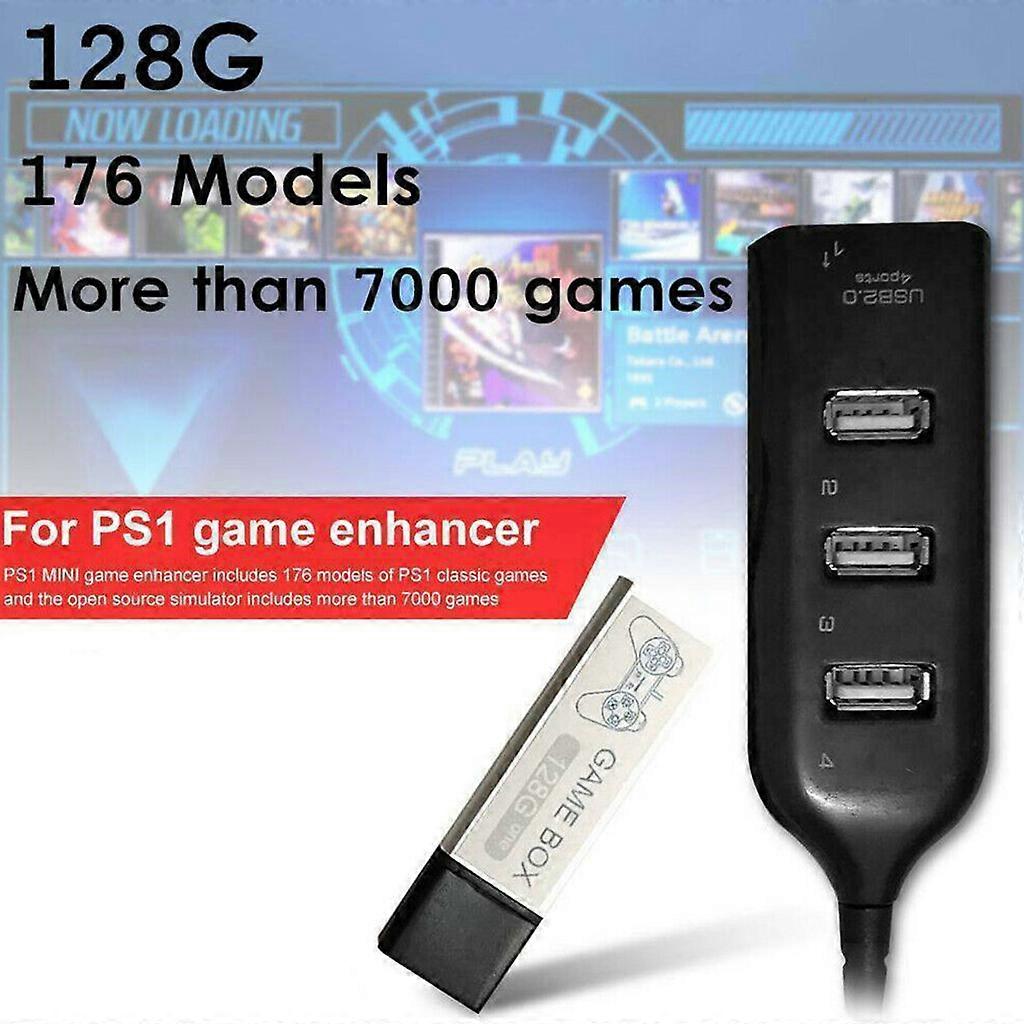
Game Enhancer Plug 7000 Classic Games Open Source Simulator Expansion Pack 4-port USB Hub Stick for PS1 Mini White

₪189.00
FREE Shipping

Game Enhancer Plug 7000 Classic Games Open Source Simulator Expansion Pack 4-port USB Hub Stick for PS1 Mini White

  • Brand: Unbranded

Game Enhancer Plug 7000 Classic Games Open Source Simulator Expansion Pack 4-port USB Hub Stick for PS1 Mini White

  • Brand: Unbranded
Price: ₪189.00
Sold by:
₪189.00
FREE Shipping

In stock

14-Day Returns Policy

Payment methods:

Description

Game Enhancer Plug 7000 Classic Games Open Source Simulator Expansion Pack 4-port USB Hub Stick for PS1 Mini White

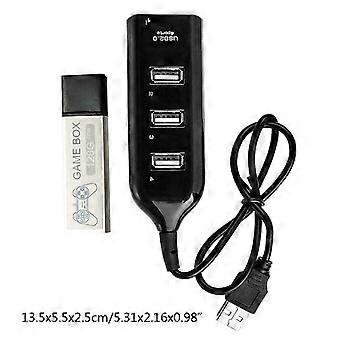
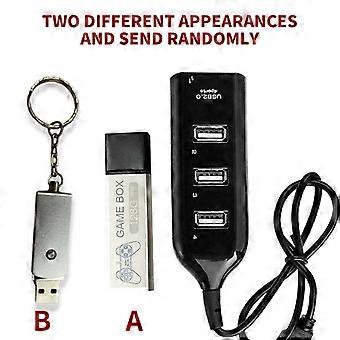
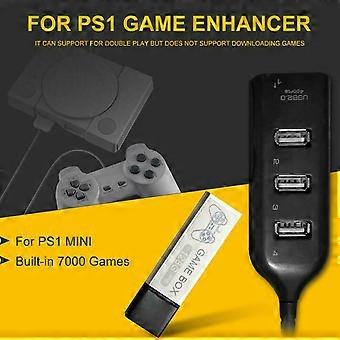
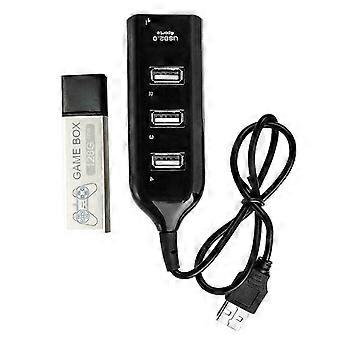
["Description:\nbrand new and high quality \n\nFeatures:\nMade of ABS material, more durable.\nGame enhancer includes 176 models of classic games and the open.\nSource simulator includes more than 7000 games.\nIt can support for double for play but does not support downloading games.\nMost of the built-in games have been tested, but there may be a few games that are not supported.\n \nSpecification:\nItem Type:Game Enhancer\nMaterial:ABS\nColor:Black\nSize:Approx 13.5x5.5x2.5cm/5.31x2.16x0.98in\nMemory:128G\nApplicable Scope:Extended Game Pack\nConnection Method:Direct Connection\nAdditional Features:Game Pack Extension\nGame Version:Lite Version\nVideo Game Rating:Entry Level, Elite Level, Enthusiast Level\nNotice:We have two different appearances (A and B) and will send randomly.\n\nEnter system interface\n1. Press the button on the system interface to enter the game interface.\n2. In the game, press the RESET button of the host (reset) to exit the game.\n3. Press the O-shaped button on the game interface to return to the main interface.\n4.Press the \"square\" button on the system interface to enter the open source simulator interface.\n5. The simulator interface exits while pressing SELECT+SEART.\n6. Simulator interface exits the system interface, select Main Menu, and find the Quit Retroarch option to exit.\n7. Simultaneously press R2+L2 on the system interface and the game console will shut down.\n\nNotes:\n1.When the individual product is turned on for the first for time, you need to read the disk scan directory, \npress the X button to scan it.\n2.The first for time to read the disk, entering the system is slow, which is a normal situation. \nDo not mess with the button because random press may get stuck.\n3.Please insert the game collection bar before powering on, then plug in the power and \npress the power button to load the game.\n4.After turning off all the power, you can unplug the game collection bar and \nyou can'for t pull it out during use, otherwise it will damage the system file.\n5.Does not support personal download games. Most of the built-in games have been tested,\nbut there may be a small number of games that are not supported.\n6.Please allow 0-3cm error due to manual measurement. pls make sure you do not mind before you bid.\n7.Due to the difference between different monitors, the picture may not reflect the actual color of the item. Thank you!\n\nPackage Included:\n1x Game Enhancer\n1x Hub"]
  • Fruugo ID: 350044452-763205205
  • EAN: 7901000499623

Delivery & Returns

Dispatched within 24 hours

  • STANDARD: FREE - Delivery between Thu 01 January 2026–Tue 06 January 2026 - FREE

Shipping from China.

We do our best to ensure that the products that you order are delivered to you in full and according to your specifications. However, should you receive an incomplete order, or items different from the ones you ordered, or there is some other reason why you are not satisfied with the order, you may return the order, or any products included in the order, and receive a full refund for the items. View full return policy

Product Compliance Details

Please see the compliance information specific to this product outlined below.

The following information is provided by the independent third-party retailer selling this product.

Manufacturer
The following information outlines the contact details for the manufacturer of the relevant product sold on Fruugo.

  • Cgsqub
  • Shenzhen Yiyuxun Hardware Tools Co., Ltd.
  • Room 205, Building D10, No. 5, Cengyao Industrial Zone, Yulv Community
  • Yutang Street, Guangming District
  • Shenzhen
  • China
  • 518000
  • firneiwodnw@163.com

Responsible Person in the EU
The following information outlines the contact information for the responsible person in the EU. The responsible person is the designated economic operator based in the EU who is responsible for the compliance obligations relating to the relevant product sold into the European Union.

  • Yating He
  • E-CrossStu GmbH
  • 69 Mainzer Landstrasse
  • Frankfurt am Main
  • Germany
  • 60329
  • E-crossstu@web.de
  • +4969332967674