תיאור
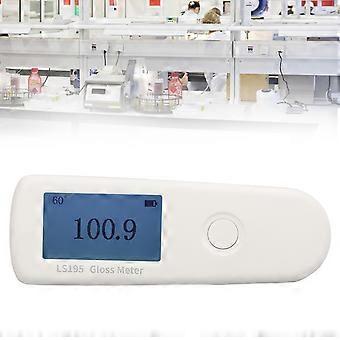
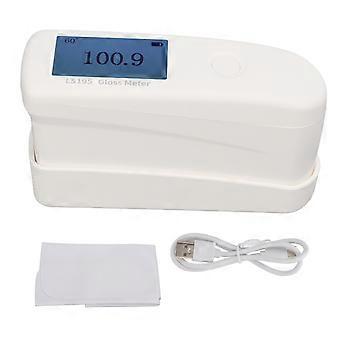
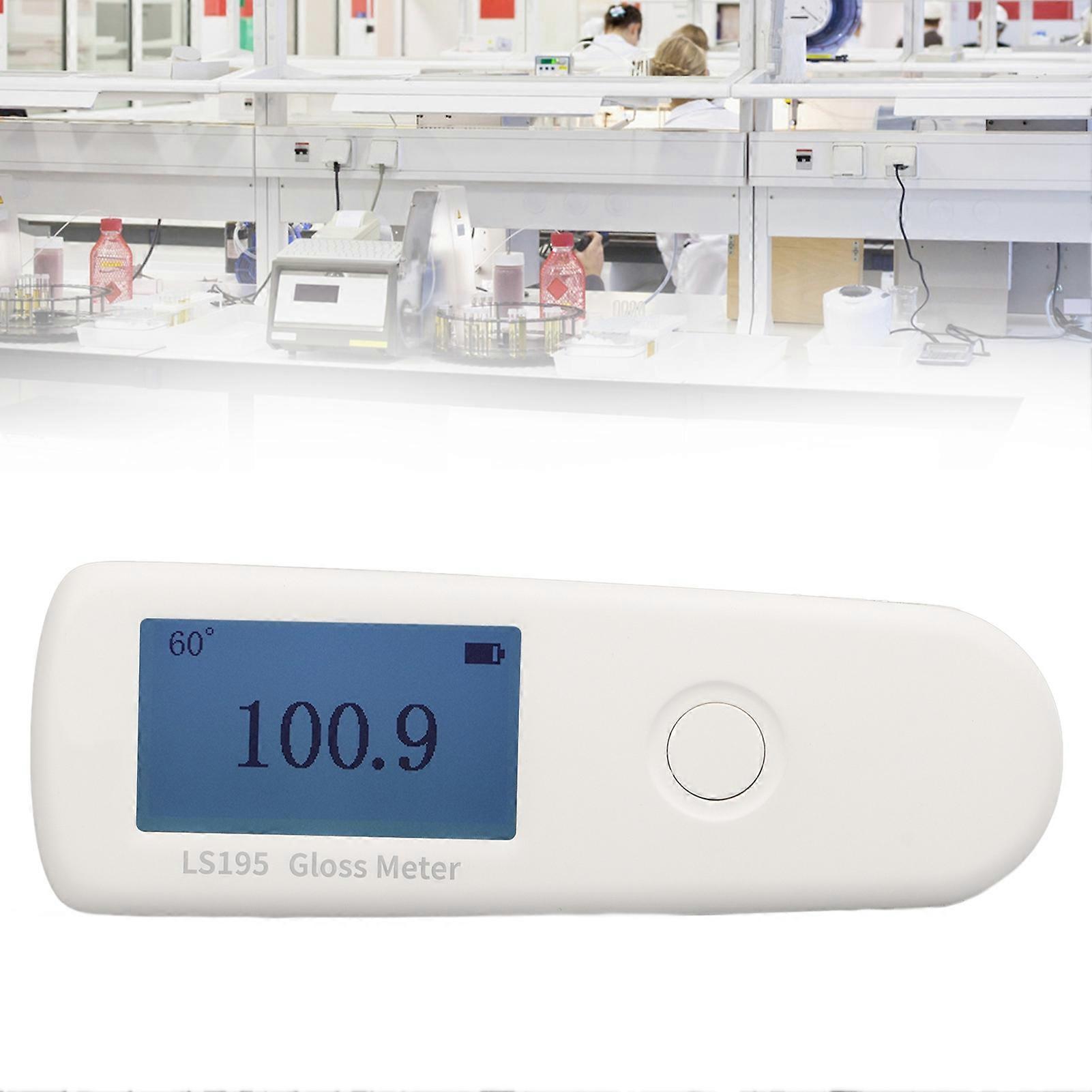
LS195 Gloss Meter Intelligent Stone Metal Glossometer Gloss Testing Equipment for Industry
LS195 Gloss Meter Intelligent Stone Metal Glossometer Gloss Testing Equipment for Industry
Item Type: Gloss Meter
Model: LS195
Material: ABS
Battery: 1 x Rechargeable lithium battery 3.7V 650mAh (Battery Included)
Purpose: Sampling and comparison of gloss measurement
Application: Paint, coating, ink, plastic, paper, ceramic tile, ceramic, stone, metal, electroplating layer
Measuring Angle: 60°
Measuring Spot: Approx. 9 x 15 mm / 0.4 x 0.6 in
Minimum Size of Test Object: Approx. 20 x 10 mm / 0.8 x 0.4 in
Measuring Range: 0-200GU
Resolution: 0.1GU
Repeatability:
0-100GU: ±0.2GU
100-200GU: ±0.2% of reading
Reproducibility:
0-100GU: ±0.5GU
100-200GU: ±0.5% of reading
Zero Error: 0.1GU
Indication Error:
0-100GU: ±1.5GU
100-200GU: ±1.5% of reading
System Language: Chinese, English
Display: 240 x 128 dot matrix LCD
Charging Interface: USB (Type C)
Data Interface: USB
Operating Temperature Range: 10-45 ℃, 0-85%RH (non condensing)
Storage Temperature Range: -10-60℃, 0-85%RH (no condensation)
QC Judgment: √
Ambient Temperature Compensation: √
How e:
1. Power on/off
Power on: In the off state, short press the instrument button to power on.
Shut down: Long press the instrument button to shut down; the instrument will automatically shut down when there is no operation for more than 3 minutes
machine.
2. Parameter setting
In the shutdown state, long press the instrument button for 3S to enter the parameter setting mode:
A. Language (Language)
Short press the button to select Chinese or English, long press the button for 3S to complete the setting, and enter the following setting item.
B. Mode selection
Short press the button to select normal mode or QC mode, long press the button for 3S to complete the setting, exit the setting and enter the calibration interface.
3. Equipment calibration
Put the instrument on the standard board and turn on the opportunity to enter the calibration interface. The user can perform the calibration operation according to the calibration prompt, and the measurement interface will be entered after the calibration is passed. If the instrument is turned on without putting it on the standard board, it will skip the calibration and enter the measurement interface directly. If it prompts that the calibration failed, the possible reasons are as follows:
The standard board is dirty, please wipe the standard board clean with a special lens cloth, and then buckle the host into the base.
The host is not close to the standard board, please buckle it into the base again.
When the ambient temperature changes significantly, the instrument temperature and the ambient temperature should be close to each other, and after confirming that the lens in the test port of the instrument and the standard plate of the base are not dew, restart the measurement.
The attenuation of the light source can not be used normally, and it needs to be returned to the factory for inspection and repair.
When the instrument prompts "Calibration failed", you can long press the button to skip the calibration.
4. Measure
(1) Normal mode
If the instrument is set to normal mode, after the calibration of the instrument is completed, remove the base and place the measuring port of the instrument on the surfaces of the object to be measured, and the instrument will display the measured value at that place in real time. Short press the button, the lower left corner of the interface displays the "HOLD" sign, and the measurement data is held on the LCD. If you need to measure again, press the button to cancel the "HOLD" state and return to the "Measuring" state.
(2) QC mode
If the instrument is set to QC mode, after the instrument is calibrated, remove the base, place the measuring port of the instrument on the surfaces of the object to be measured, and short-press the button to perform the measurement. After the measurement, the measured value will be judged whether it is qualified. The range of the upper and lower limits must be set by PC software. For specific operations, please refer to the "Gloss Meter Software Operation Manual".
-
מזהה Fruugo:
397056493-847241192
-
EAN:
6921316718264