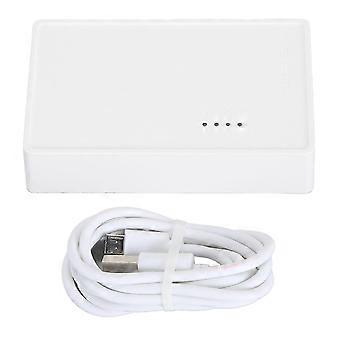
USB Wireless Print Server Wired Wireless Standalone Modes 480Mbps USB2.0 Print Server with 10/100Mbps LAN Bridge compatible with Windows/ compatible w
‏239.00 ₪
+ ‏52.99 ₪ משלוח

USB Wireless Print Server Wired Wireless Standalone Modes 480Mbps USB2.0 Print Server with 10/100Mbps LAN Bridge compatible with Windows/ compatible w
נמכר על ידי:

‏239.00 ₪

חסוך ‏910.00 ₪ (79%)

RRP

‏1,149.00 ₪
במלאי
+ ‏52.99 ₪ משלוח

מדיניות החזרות ל-14 יום

אמצעי תשלום:

  • מותג: Unbranded
נמכר על ידי:

פרטי מוצר

פרטי מוצר

USB Wireless Print Server Wired Wireless Standalone Modes 480Mbps USB2.0 Print Server with 10/100Mbps LAN Bridge compatible with Windows/ compatible w
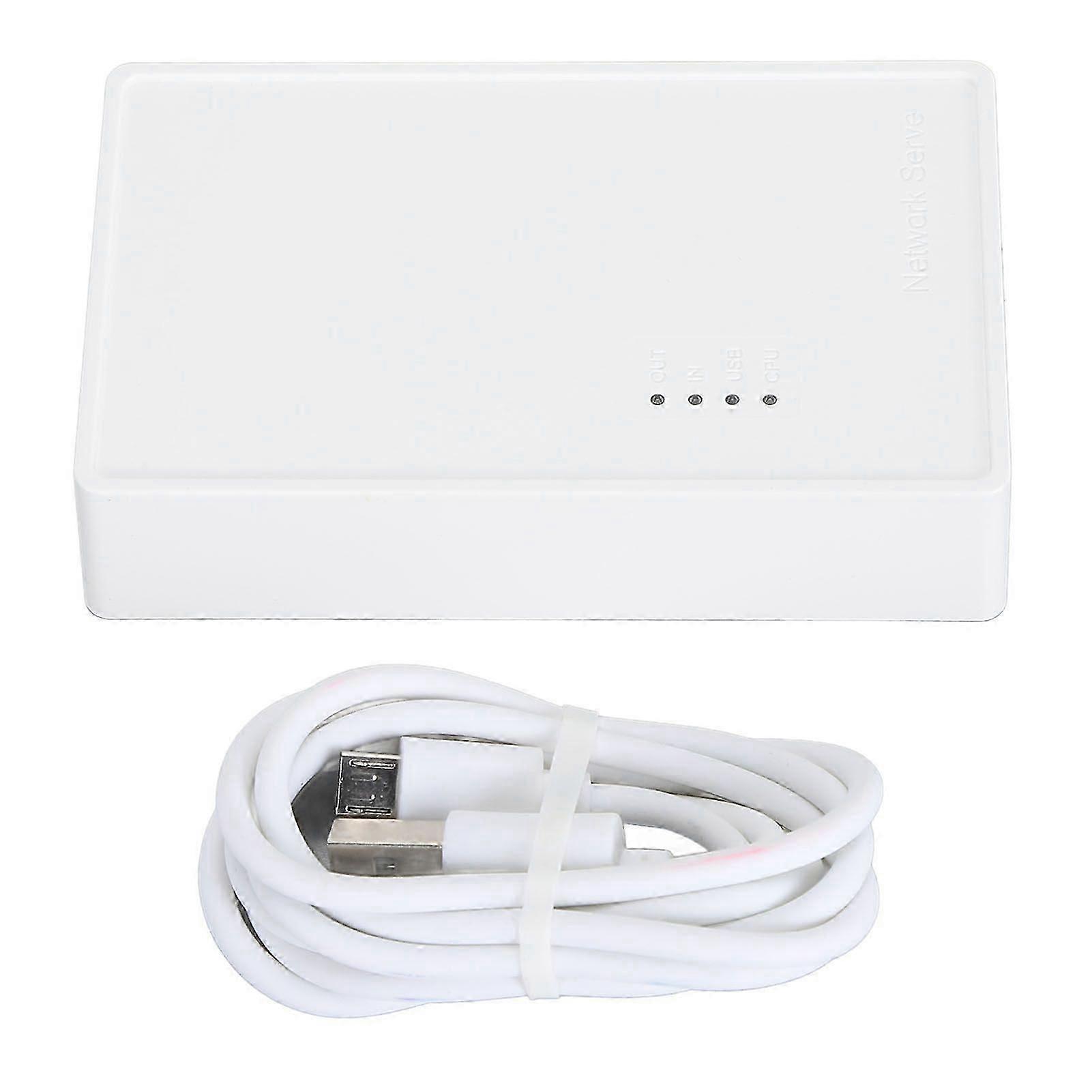
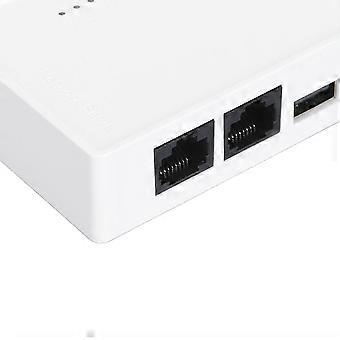
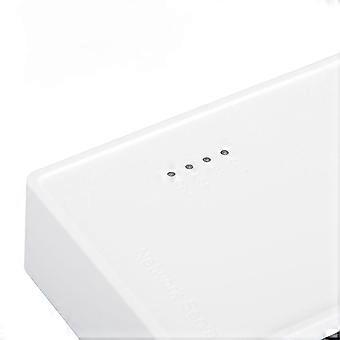
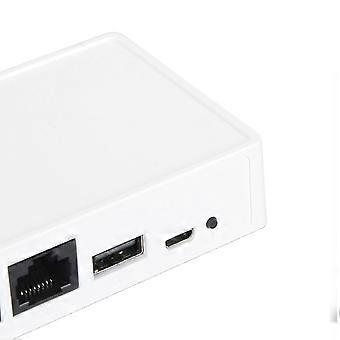
USB Wireless Print Server Wired Wireless Standalone Modes 480Mbps USB2.0 Print Server with 10/100Mbps LAN Bridge for Windows/ for OS X Printers Feature:1. For Multi Users: Print server transforms your USB printer into a wireless printer, so as long as it is on the same network, no matter where the computer is, you can easily access and use the printer. In addition, with the help of a USB A hub, this USB print server supports connecting 4 printers, which greatly improves the efficiency of printing files and is suitable for multiple people.2. Various Operation Modes: Wireless printer adapter supports wired mode, 2.4G wireless network mode and standalone mode, converts your USB printers to wifi printers in different ways to meet your needs for using wireless printers on varied places. Note: In standalone mode, you do not need to connect the superior router, but there’s no access to the Network at the same time.3. Web Management: Get rid of hassled driver installation and complicated setting steps, enjoy one stop printer and print server configuration on the web interface with USB wireless print server. Note: This print server does not require an external driver, but you need to download and install the printer driver from its official website and follow the Quick Start Guide to connect the printer to the computer.4. Wide Compatibility: Compatible with Windows 7/8/10/11/XP, for OS X. Equipped with a USB2.0 port, the wifi print server is perfect for almost all usb printers, including ink jet printers, receipt printers, stylus printers, barcode printers.5. Widely Use: Small in size and light in weight, you can place it anywhere. The high speed 480Mbps usb2.0 port and 100Mbps bridge or lan ports on the USB print server allow you to print out in seconds, also support automatic queue printing, which is ideal for applications at home, small office, supermarket, educational institutions etc. that require shared printers.Specification:Item Type: USB Wireless Print ServerMaterial: ABSColor: WhiteOutput Interface: Bridge (10/100Mbps)Input Interface: LAN (10/100Mbps)Power Port: Micro USBUSB Port: USB 2.0Preparation:1. Make sure that the printer driver is installed on your computer and that it can print properly. (The simplest way to verify the installation of the driver is to directly connect the computer to the printer and check if it can print correctly, which is the prerequisite for the printer server to work properly).2. Connect the power of the print server, connect the USB print cable of the printer, and connect the network cable of the local area network to the print server. (Connection diagram is on the packaging box).3. After the print server is powered on for 3 minutes, use your mobile phone to search for a wireless signal with @MG_XXXX. The wireless password is: 77777777 (8 sevens). A webpage window will automatically pop up on your phone, or you can access webpage with a mobile phone.Setting up on the computer:After completing the above steps, go to the Control Panel on your computer, Devices, Printers and Scanners, select the printer you want to set up, and click on Manage. (To ensure smoothing setup, make sure that the current computer can print properly by connecting it to the printer via a USB print cable, which confirms that the driver is correct).1. Select Printer Properties.2. Click on Port, Add Port, Select Standard TCP/IP Prot, Click on New Port.3. Enter the IP address of the printer server (in the previous teaching how to view the IP address of the printer server through the mobile phone), click following, and wait for 1 minute.4. Be sure to select Custom5. Finished and use.Package List:1 x USB Print Server1 x Power CordNote:Common problem handling: Q: My settings are all normal, but the computer just can't print. A: Check if the printer is offline, check if the title appears offline in the print queue, if so, uncheck it and it will be able to use the printer again. Q: My printer can print, but it keeps printing paper continuously. A: Go to the printer's properties, port, uncheck Enable bidirectional support. Note: The product does not include a USB adapter for shipment, you need to bring your own DV5V 1A USB adapter.
  • מזהה Fruugo: 528401765-1073129678
  • EAN: 9177159656004
בטיחות

מידע על בטיחות המוצר

אנא עיין במידע בטיחות המוצר הספציפי למוצר זה המתואר להלן

המידע הבא מסופק על ידי קמעונאי צד שלישי עצמאי המוכר מוצר זה.

תוויות בטיחות למוצר

CE Mark
אזהרות בטיחות: Important Safety Instructions Read Before Use: Please read all instructions and safety warnings before using this product. Failure to follow these guidelines may result in injury, damage, or malfunction. General Warnings Intended Use: Use this product only for its intended purpose as described in the user manual. Supervision Required: This product is not intended for use by children or persons with reduced physical, sensory, or mental capabilities without supervision. Inspection Before Use: Check for any signs of damage or wear before use. Do not use if damaged.

פרטי תאימות המוצר

אנא עיין במידע התאימות הספציפי למוצר זה המתואר להלן.

המידע הבא מסופק על ידי קמעונאי צד שלישי עצמאי המוכר מוצר זה.

יצרן:
המידע הבא כולל את פרטי יצירת הקשר של היצרן של המוצר הרלוונטי הנמכר באתר Fruugo.

  • Zhihan Hou
  • Qingdao Dream Seeker E-Commerce Co., Ltd.
  • No. 101-159, Building 39-3, No. 396 Emeishan Road Huangdao,District (Former Development Zone)
  • Huangdao District
  • SHANDONG
  • QINGDAO
  • CHINA
  • 266400
  • [email protected]
  • 15098625874

האדם האחראי באיחוד האירופי:
המידע הבא כולל את פרטי יצירת הקשר של האדם האחראי באיחוד האירופי. האדם האחראי הוא המפעיל הכלכלי הממונה המבוסס באיחוד האירופי, אשר אחראי לחובות הציות הקשורות למוצר הרלוונטי הנמכר לאיחוד האירופי.

  • EC REP SERVICES SL
  • EC REP SERVICES SL
  • Calle Gran Via 49, 7 Dch.
  • Madrid
  • ES
  • 28013
  • [email protected]
  • 682797075
משלוח

מְסִירָה

שילוח תוך 5 ימים

  • STANDARD: ‏52.99 ₪ - משלוח בין יום ו׳ 25 ספטמבר 2026–יום ה׳ 01 אוקטובר 2026

משלוח מ- סין.

החזרות

החזרות

אנו עושים כמיטב יכולתנו להבטיח שהמוצרים שאתם מזמינים יישלחו אליכם במלואם ובהתאם למפרט שלכם. עם זאת, אם תקבלו הזמנה חלקית, או פריטים שונים מאלו שהזמנתם, או שיש סיבה אחרת לכך שאינכם מרוצים מההזמנה, באפשרותכם להחזיר את ההזמנה, או כל אחד מהמוצרים הכלולים בהזמנה, ולקבל החזר מלא עבור הפריטים.

הצג מדיניות ההחזרים המלאה